
How to Set Up DMARC for Your Domain
Step-by-step DNS setup, policy options, reading reports, and the enforcement journey.
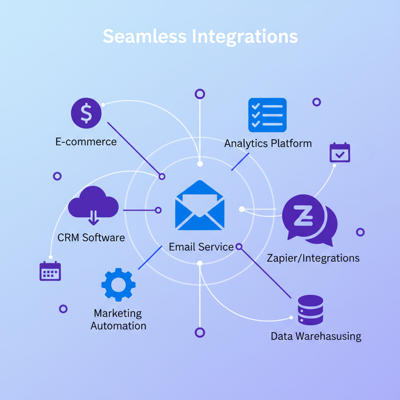
Insights on email design, deliverability, integrations, and building better campaigns.
Step-by-step DNS setup, policy options, reading reports, and the enforcement journey.
OAuth setup, one-click export, and troubleshooting your Mailchimp connection.
Brand identity elements, template libraries, and enforcing consistency across teams.
How NLP generates subject lines that boost open rates by 22-45%.
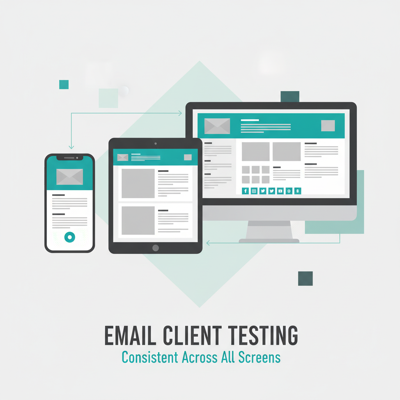
Rendering engines, dark mode, accessibility, and pre-send validation.
Why email needs inline CSS, what you cannot inline, the specificity rules that trip people up, and a free tool that does it correctly.
What a SpamAssassin-style content score catches, the 21 rules behind it, the most-triggered ones and how to fix them, when to ignore a rule.
When MJML is the right tool, when it is not, the gotchas, and a free in-browser compiler that does the same job as the build-time CLI.
Find raw headers in any client, parse the Received chain, decode SPF/DKIM/DMARC verdicts, flag suspicious patterns, fix what is broken.
Whether GIFs animate (Outlook desktop strips animation), how to compress them, GIF vs APNG vs MP4 vs WebP, accessibility.
What Litmus actually does, when it earns the cost, and what 80% of email testing you can cover free in 5 minutes.
Length, spam triggers, sentiment, emoji density, caps ratio, personalization tokens, power words, curiosity gap.
Why most email A/B tests are too small to detect real lift, the four levers that determine sample size, what to do with small lists.
The bulletproof email button pattern with VML for Outlook desktop. Six lines of additional HTML covers ~10% more of your audience correctly.
K-means clustering on RGB, OKLab tint scales, WCAG contrast checks, output to CSS / Tailwind / SCSS / JSON.
The 5 UTM parameters explained, naming conventions that scale, common mistakes that break attribution, ESP-level auto-tagging.
The structural pattern that survives the trip: tables, inline styles, fixed pixel widths, photo handling, reply-chain compatibility, legal requirements.
The right dimensions, the JPEG/PNG/WebP decision, the compression knobs that move the needle, animated GIFs, Outlook quirks, and CDN strategy.
The MIME multipart/alternative structure, what conversion strips and preserves, structural patterns that survive, and a free in-browser converter.
Which clients support webfonts, the @font-face / @import patterns that work, web-safe fallback stacks, the system-font alternative.
When transparent PNGs help, the three removal techniques, Outlook's transparency quirks, dark-mode considerations, and a free background remover.
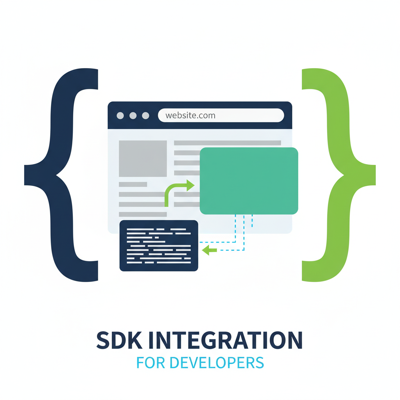
Embed MiN8T's editor in your product with React, Angular, or Vue.
Bounce rates, spam traps, verification, and the 8-category breakdown.
The editor, deliverability suite, 106+ connectors, AI stack, real-time collab, SDK, and brand system, all explained in one place.
Live cursors, block locks, typing indicator, canvas sync, presence, and comments, plus how to toggle each one per workspace.
RBAC, approval workflows, version history, and brand drift prevention.
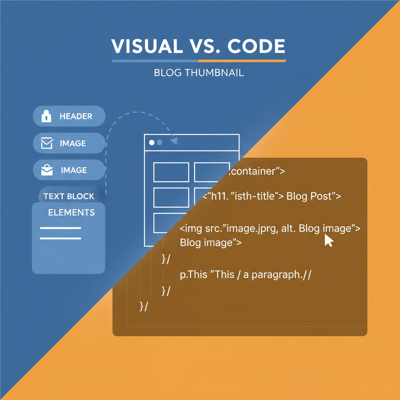
The evolution of email building, comparison table, and the hybrid approach.
Three rendering schemes, CSS techniques, and client-by-client breakdown.
Design-to-email gap, modern workflow, and email constraints for designers.
12 built-in DeliverIQ tools, 3 transport types, and a framework for building custom MCP servers.
Try a different search term or category.